Release 3.8.2
Release details are as follows:
1. Team Management & Lead/Chat Auto-assignment
Department Creation & Business Hours Setup:
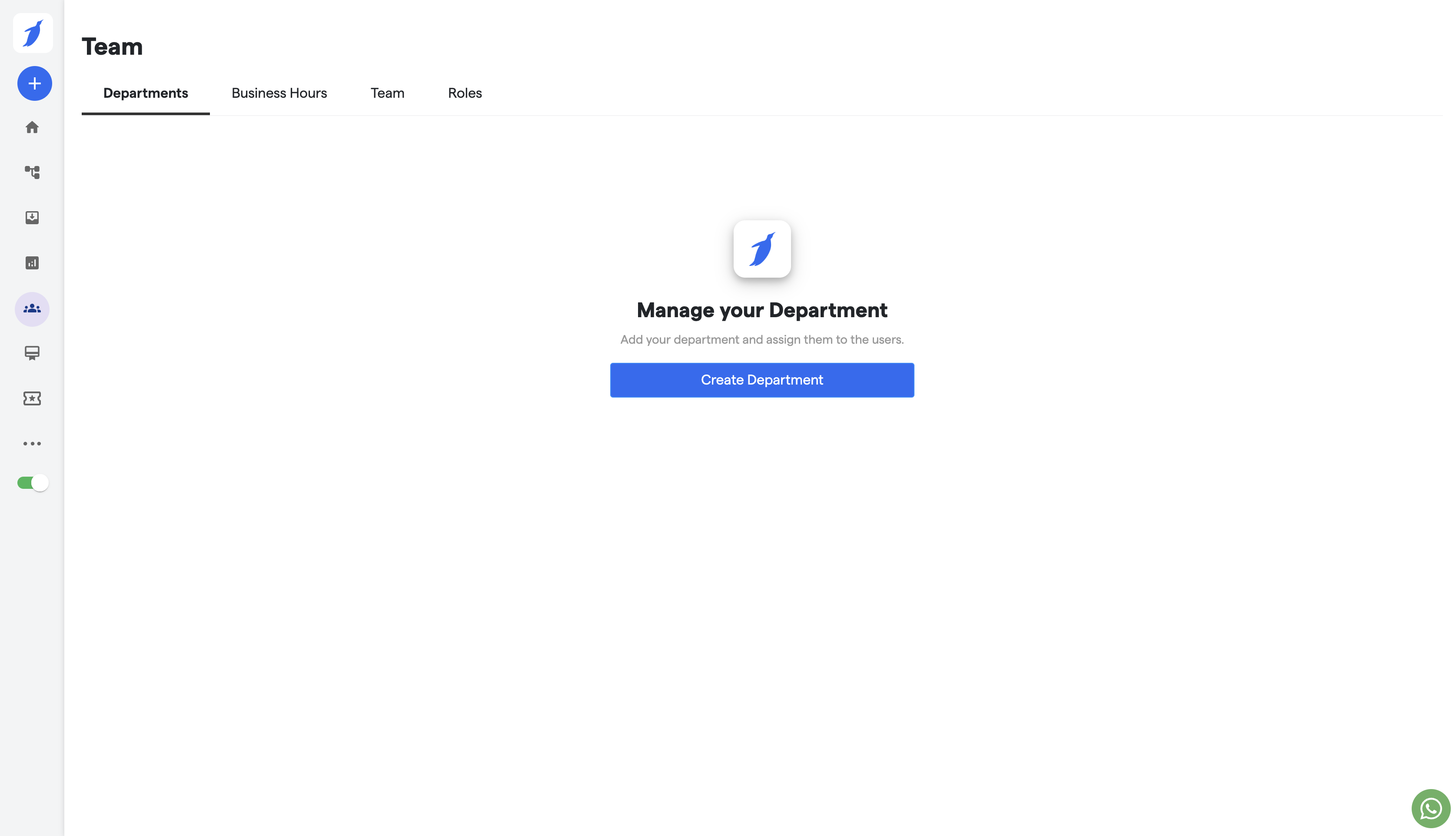
Introduced a feature allowing the creation of custom departments to organize teams efficiently.
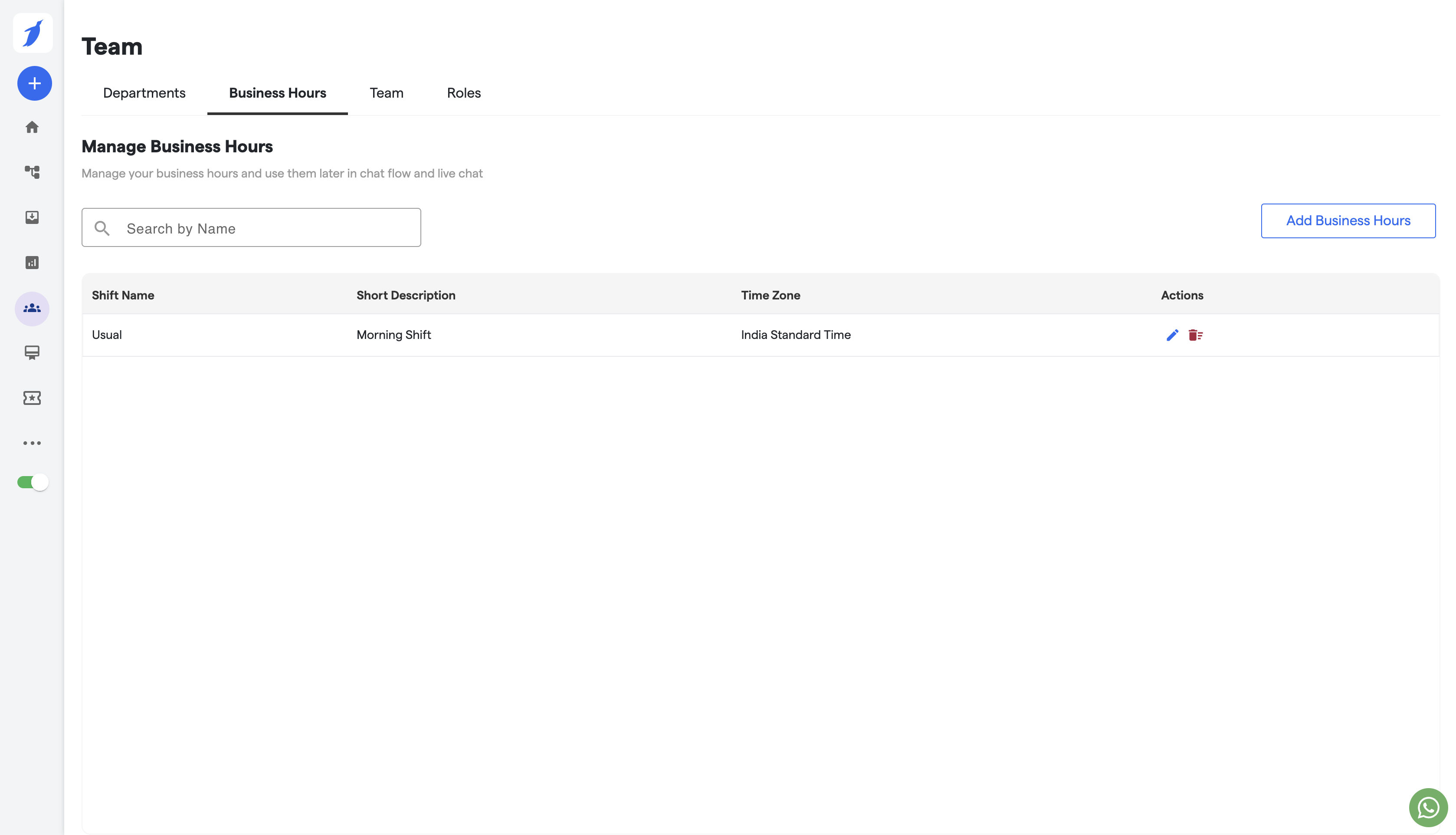
Enabled business hours setup for each department, ensuring optimized and timed chat and lead assignments for different shifts.
Assign Chat Component for WhatsApp Bot:
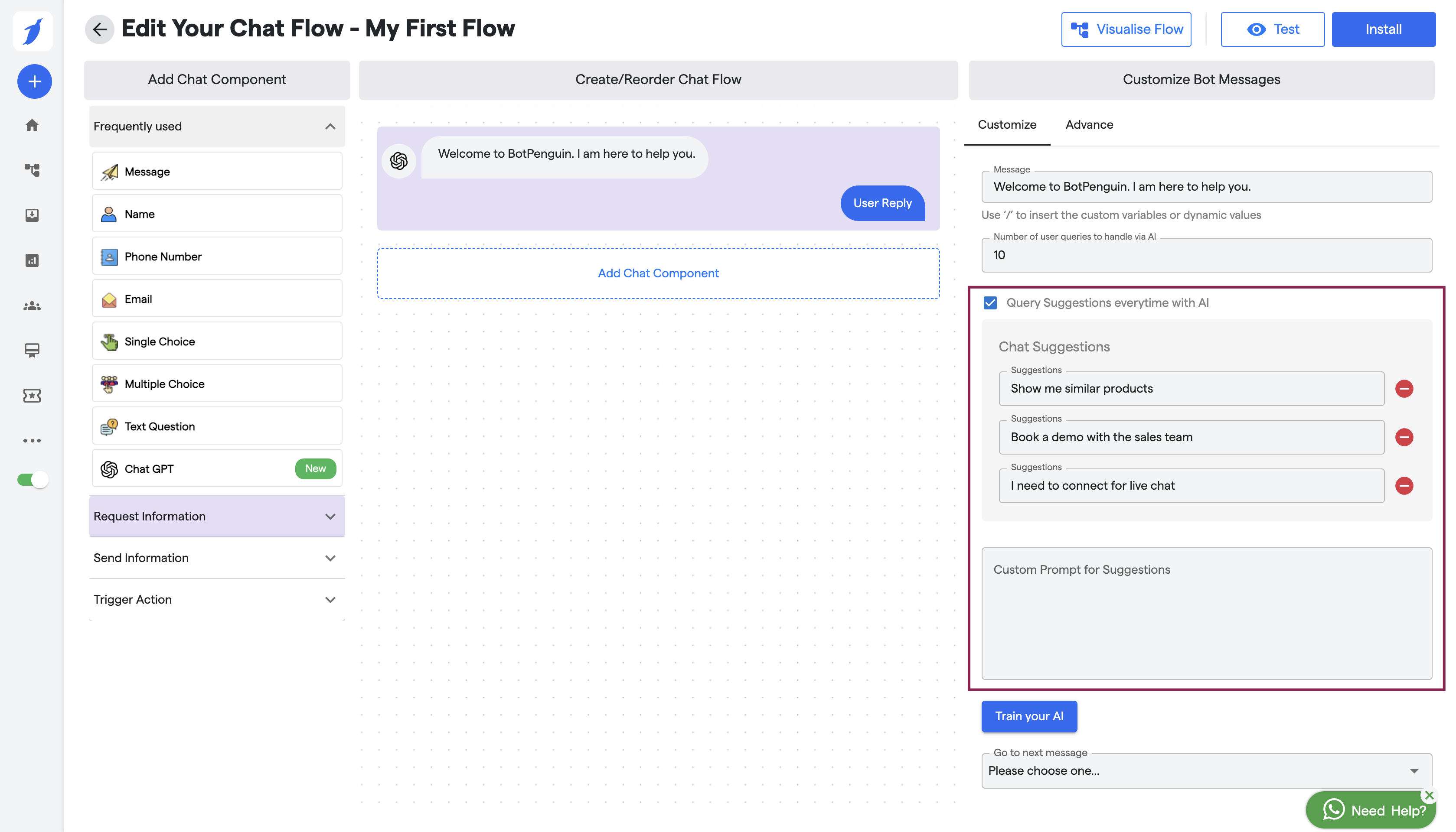
A new Assign Chat component was added to the WhatsApp Bot's canvas.
This feature allows automated chat assignment to custom users based on predefined criteria, ensuring smoother and faster lead handling.
Please note, There is another set of changes scheduled to go live within a couple of weeks.
2. Redirect Component for All Services and Multiple Flows on Website
Redirect Flow Component for Website & Social Bots:
Introduced a Redirect Flow component available for Website Bots and all social bots (e.g., Facebook, Instagram).
This component enables seamless redirection between different flows within a single bot, improving user navigation and engagement.
Multiple Flows Functionality for Website Bot:
Enabled Multiple Flows functionality specifically for Website Bots.
This update allows businesses to create and manage multiple conversation flows within a single Website Bot, tailoring conversations to varied customer needs.
3. Masking Attributes
Masking Attributes for Custom Users & Agents:
Implemented an option to mask sensitive attributes within user data fields.
This feature is available for custom users and agents, ensuring that confidential data is hidden and secure in chat records and user profiles.